Array Methods

Introduction: Why Array methods matter
When you start working with JavaScript, you quickly realize that arrays appear everywhere.
A list of users.
A list of products.
A list of numbers.
A list of messages.
Working with arrays efficiently is a core skill in JavaScript.
Early on, many developers solve array problems using traditional for loops.
And while loops work perfectly fine, JavaScript provides built-in array methods that make common operations:
cleaner
easier to read
less error-prone
In this article, we’ll learn some of the most useful array methods every JavaScript developer should know:
push()pop()shift()unshift()forEach()map()filter()reduce()
We’ll keep everything simple, practical, and beginner-friendly.
push() — Add an Item to the End
push() adds a new element at the end of an array.
Example
let numbers = [1, 2, 3];

numbers.push(4);

console.log(numbers);
Output
[1, 2, 3, 4]
Before
[1, 2, 3]
After
[1, 2, 3, 4]
You can push multiple values too:
numbers.push(5, 6);
pop() — Remove the Last Item
pop() removes the last element from the array.
Example
let numbers = [1, 2, 3, 4];

numbers.pop();

console.log(numbers);
Output
[1, 2, 3]
Before
[1, 2, 3, 4]
After
[1, 2, 3]
shift() — Remove the First Item
shift() removes the first element from the array.
Example
let numbers = [1, 2, 3];

numbers.shift();

console.log(numbers);
Output
[2, 3]
Before
[1, 2, 3]
After
[2, 3]
unshift() — Add Item to the Beginning
unshift() adds a value to the beginning of an array.
Example
let numbers = [2, 3];

numbers.unshift(1);

console.log(numbers);
Output
[1, 2, 3]
Before
[2, 3]
After
[1, 2, 3]
forEach() — Run a Function for Every Item
forEach() lets you run a function for every element in an array.
Example
let numbers = [1, 2, 3];

numbers.forEach(function(num) {
  console.log(num);
});
Output
1
2
3
forEach() is useful when you just want to do something with each element, but you don't need a new array.
Traditional Loop vs map()
Before learning map(), let’s see how we usually transform arrays using a for loop.
Using a for loop
let numbers = [1, 2, 3];
let doubled = [];

for (let i = 0; i < numbers.length; i++) {
  doubled.push(numbers[i] * 2);
}

console.log(doubled);
Output:
[2, 4, 6]
This works, but it requires:
manual looping
managing indexes
pushing values
map() makes this cleaner.
map() — Transform Every Element
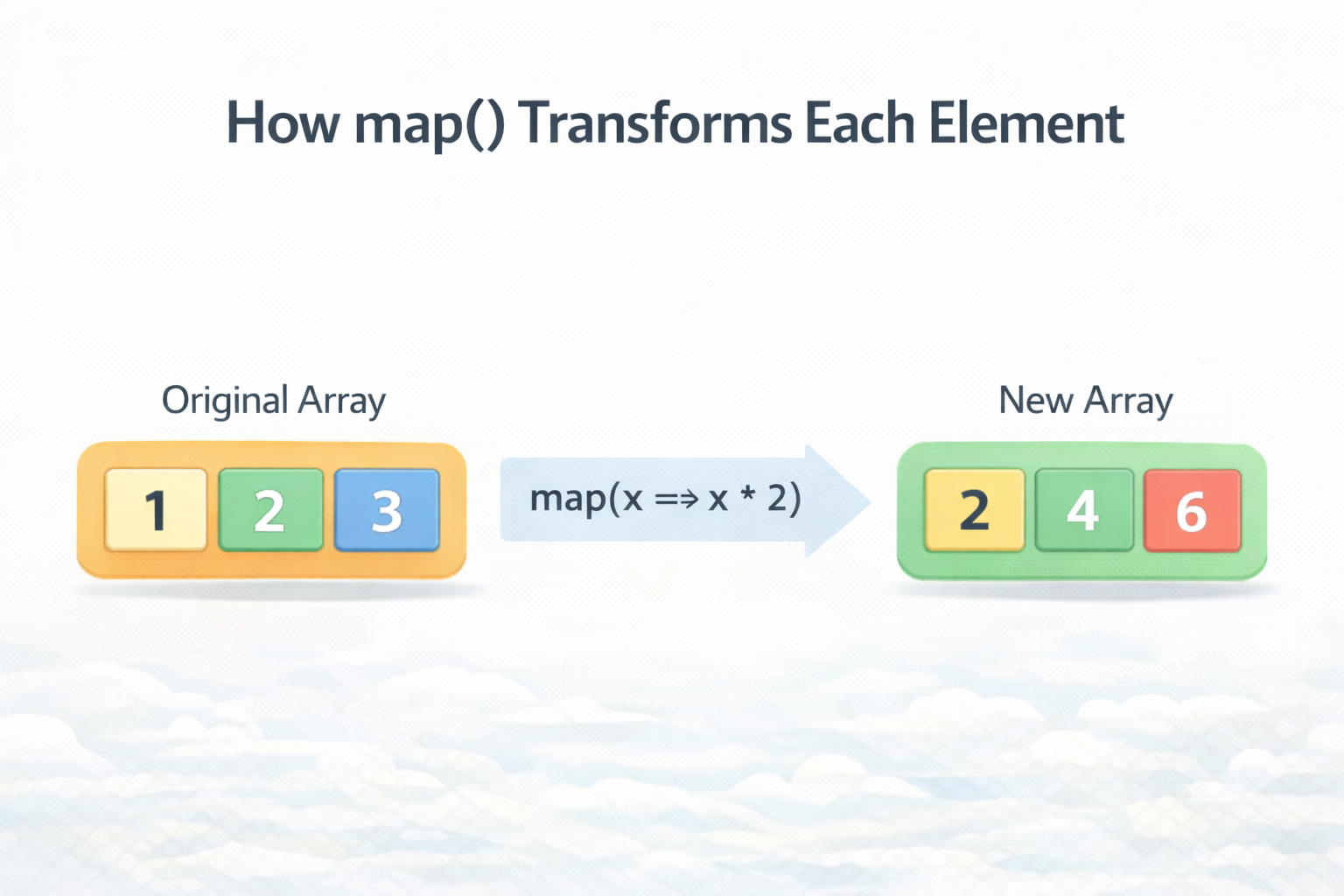
map() creates a new array by transforming each element.
Example
let numbers = [1, 2, 3];

let doubled = numbers.map(function(num) {
  return num * 2;
});

console.log(doubled);
Output
[2, 4, 6]
Visual Idea
[1,2,3] → map(x*2) → [2,4,6]
filter() — Select Elements That Match a Condition
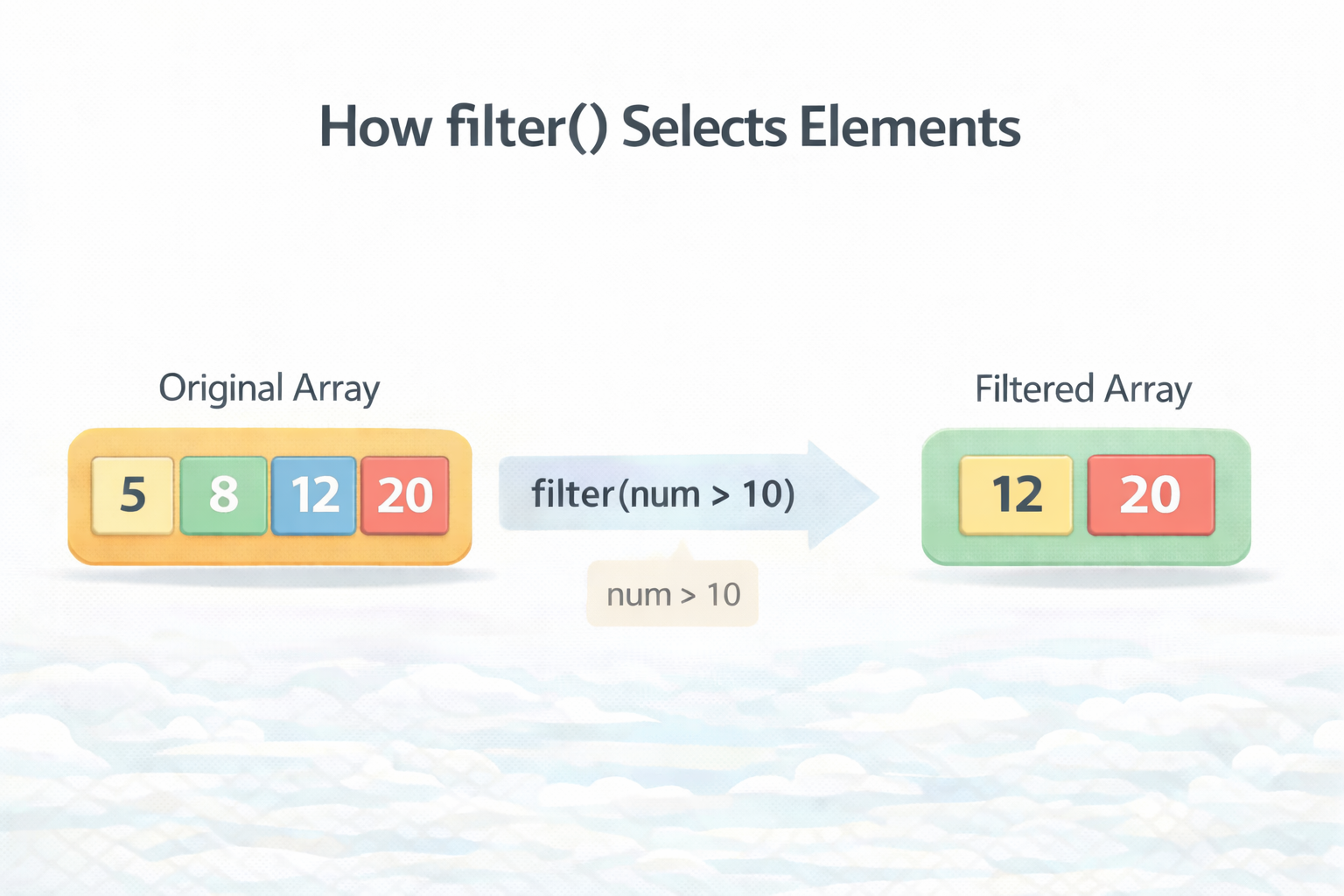
filter() creates a new array containing only the elements that pass a condition.
Example
let numbers = [5, 8, 12, 3, 20];

let result = numbers.filter(function(num) {
  return num > 10;
});

console.log(result);
Output
[12, 20]
Visual Idea
[5,8,12,3,20]
        ↓
   filter >10
        ↓
[12,20]
reduce() — Combine Array Values Into One Result
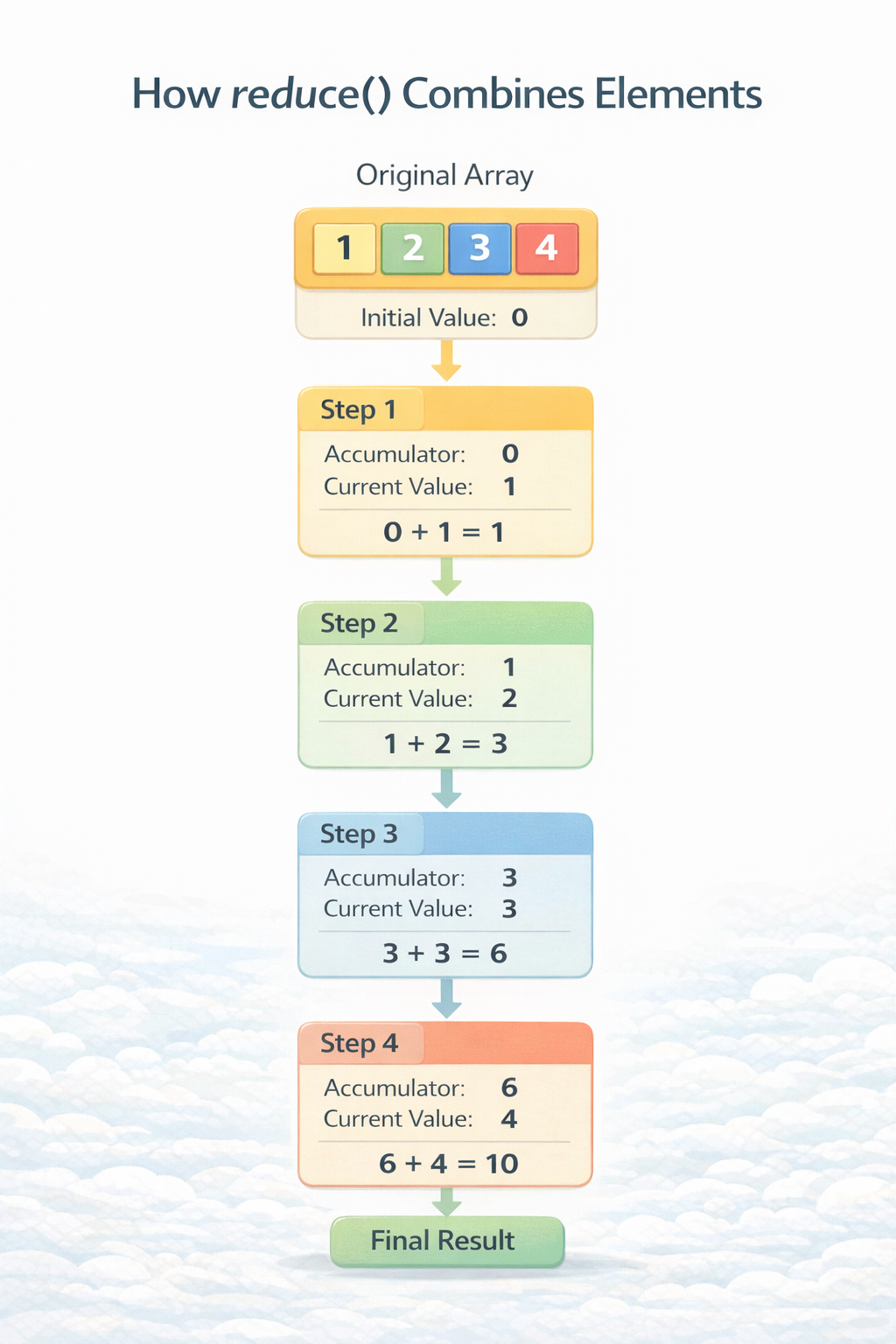
reduce() is used when you want to combine all array elements into one final value.
Common uses:
sum of numbers
totals
counting items
Example: Sum of numbers
let numbers = [1, 2, 3, 4];

let sum = numbers.reduce(function(accumulator, num) {
  return accumulator + num;
}, 0);

console.log(sum);
Output
10
What Happens Internally
Step1: 0 + 1 = 1
Step2: 1 + 2 = 3
Step3: 3 + 3 = 6
Step4: 6 + 4 = 10
Assignment — Try This Yourself
Open your browser console and try this:
Step 1
Create an array of numbers
let numbers = [2, 5, 8, 11, 14];
Step 2
Double each number using map()
Step 3
Get numbers greater than 10 using filter()
Step 4
Calculate the total sum using reduce()
This small exercise helps you understand how these methods work together.
Key Takeaway
These array methods make JavaScript code:
easier to read
easier to maintain
more expressive
Instead of writing complex loops, you can simply say:
transform → map()
select → filter()
combine → reduce()
Once you get comfortable with these methods, you’ll start writing cleaner and more modern JavaScript.
References
MDN Documentation
MDN provides the official and most detailed explanations of JavaScript array methods.
https://developer.mozilla.org/en-US/docs/Web/JavaScript/Reference/Global_Objects/Array/map
https://developer.mozilla.org/en-US/docs/Web/JavaScript/Reference/Global_Objects/Array/filter
https://developer.mozilla.org/en-US/docs/Web/JavaScript/Reference/Global_Objects/Array/reduce
https://developer.mozilla.org/en-US/docs/Web/JavaScript/Reference/Global_Objects/Array/push
https://developer.mozilla.org/en-US/docs/Web/JavaScript/Reference/Global_Objects/Array/pop
GFG
For additional examples and beginner explanations:


